Blog
The IT security checklist for SMEs
By Walter de Kok
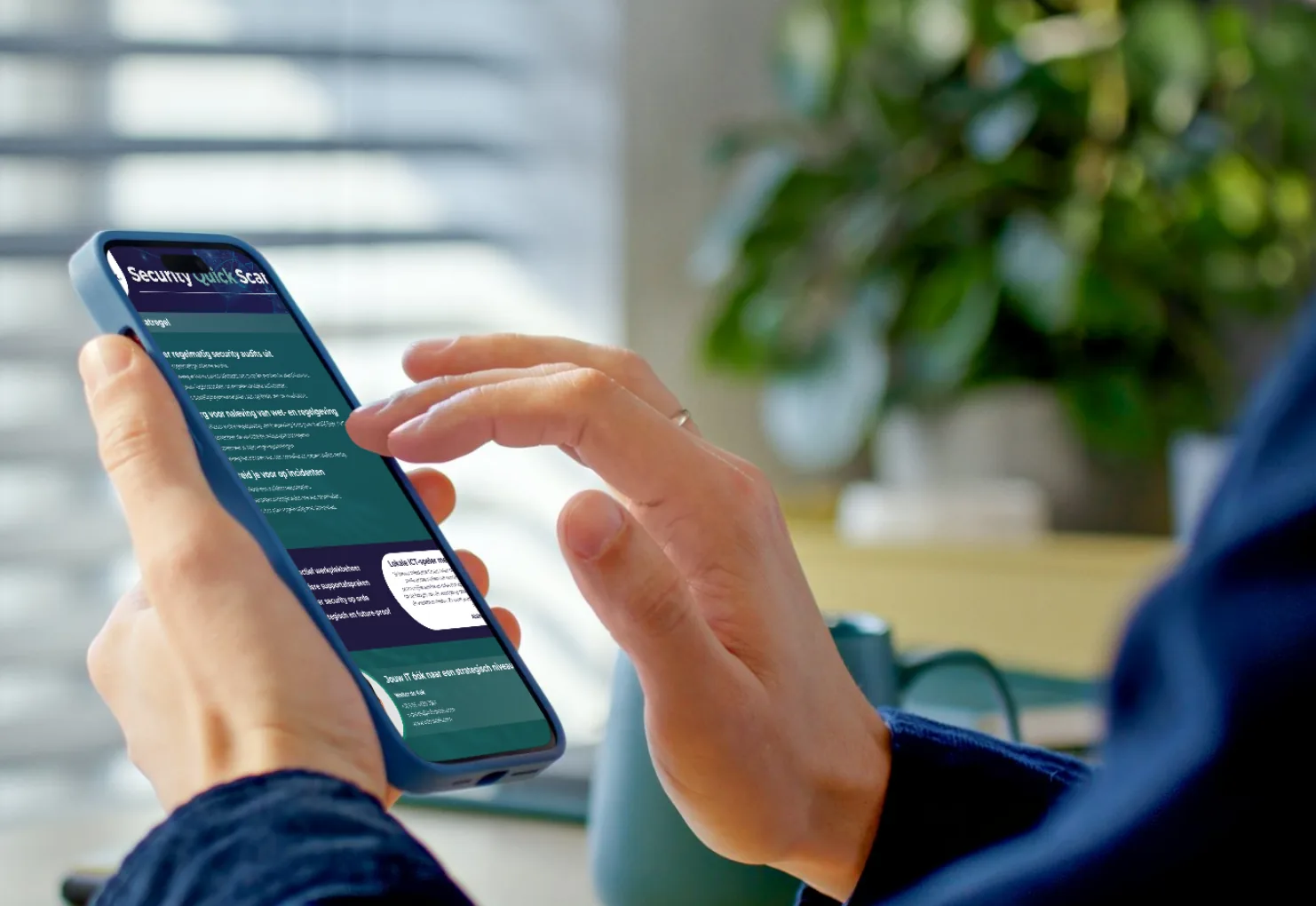
IT security is crucial for SMEs, but implementing the right measures is often a challenge because of limited resources and expertise. This checklist has been written specifically for SMEs.
→ Download our Security Quick Scan now
1. Take stock of your digital assets
Before you can implement security measures, it is essential to have a complete overview of all your digital assets:
- Make a list of all hardware, such as computers, servers and mobile devices.
- Take stock of all the software and applications your business uses.
- Identify sensitive data and where it is stored.
- Map your network equipment, such as routers, firewalls and switches.
2. Implement strong password management
Weak passwords are one of the most common causes of security issues. Follow these guidelines for strong passwords:
- Use a unique password for every account.
- Set a minimum length of 12 characters.
- Combine upper case letters, lower case letters, numbers and special characters.
- Implement multi-factor authentication (MFA) wherever possible.
- Consider using a password manager for the whole company.
3. Update (outdated) software
Outdated software and systems are also vulnerable to attacks.
- Turn on automatic updates for operating systems and applications.
- Check for updates regularly and install the ones that are available.
- Draw up a policy for phasing out outdated software and hardware.
- Apply critical security patches as soon as possible.
4. Get your network security in order
A well secured network is essential for protecting your digital assets:
- Install and configure a firewall.
- Install antivirus and anti-malware software on all devices.
- Use endpoint detection and response (EDR) solutions.
- Encrypt wireless networks with WPA3.
- Back up all critical data regularly.
- Implement application whitelisting to block unauthorised software.
5. Restrict access to the network
- Use a Virtual Private Network (VPN) for external access and remote working.
- Segment your network to isolate sensitive data.
- Restrict network access for guests and unknown devices.
6. Secure email and communication
Email is a common target for cyber attacks. Protect your communication with these measures:
- Implement spam and phishing filters.
- Use email encryption for sensitive communication.
- Train employees to recognise phishing attempts.
- Consider using a secure messaging system for internal communication.
7. Manage access rights
Restrict access to sensitive data and systems:
- Apply the principle of least privilege.
- Use role-based access control (RBAC).
- Audit user rights regularly.
- Put a structured process in place for granting and revoking access rights.
8. Develop a security policy
A clear security policy helps you apply measures consistently:
- Draw up guidelines for the use of company resources.
- Define procedures for incident response.
- Create an acceptable use policy for employees.
- Make sure the policy is updated and communicated regularly.
9. Invest in user support
Employees are often the weakest link in security. Invest in training:
- Organise regular Cybersecurity awareness training.
- Teach employees how to recognise and report suspicious activity.
- Run simulated phishing tests to check how alert people are.
10. Secure mobile devices
With the rise of mobile working, it is crucial to secure mobile devices as well:
- Implement mobile device management (MDM) solutions.
- Make sure devices can be wiped remotely if they are lost or stolen.
- Only allow apps to be installed from approved sources.
11. Secure cloud services
If you use cloud services, take the following measures:
- Choose reliable, certified cloud providers.
- Use strong authentication for cloud accounts.
- Encrypt sensitive data before you upload it to the cloud.
- Check the security settings of your cloud services regularly.
12. Carry out regular security audits
Stay informed about where you stand:
- Schedule regular internal audits.
- Consider external penetration tests to identify weak spots.
- Analyse log files for unusual activity.
- Adjust your security measures based on the results.
13. Comply with laws and regulations
Depending on your sector and location, you may have to comply with specific security regulations:
- Identify which regulations apply to your business (for example the GDPR).
- Implement the required security measures.
- Document your compliance efforts.
- Consider hiring a compliance expert if necessary.
14. Prepare for incidents
Be prepared in case a security issue does occur:
- Develop an incident response plan.
- Assign responsibilities to team members.
- Practise the plan regularly with simulations.
→ Download our Security Quick Scan now
Conclusion
IT security is an ongoing process that needs constant attention. By following this checklist and reviewing it regularly, you can significantly improve the digital resilience of your SME.
Remember that it is not about implementing every measure at once, but about gradually improving your security posture. Start with the most critical points and work systematically on strengthening your IT security.
Book an appointment for SME IT management today
Contact us today to find out how we can take your SME IT management to the next level!
Wondering what Infodatek can do for you?
A thirty-minute call with one of our specialists. Your environment, your questions. An honest conversation.