
Skip to content

Backup and recovery

Backup and recovery you can build on

A backup proves its worth the moment you restore something. That is why we take care of both: a nightly backup of your servers and databases in our own data centre in the European Union, and recovery we rehearse on a regular basis. Whether it is a single file from last week or an entire server, you get back what you need.

What really matters

It is about the restore, not the copy

Most people think of a backup as a copy of their files. The question that really counts is a different one: how quickly and how completely can you get something back when you go looking for it? A colleague who deletes a folder by mistake, a database that needs to go back to yesterday's state, a server that has to carry on on new hardware. For each of those moments you want the answer ready in advance. So we design your backup around recovery: what needs to come back, how far back and how fast.

  • A backup of your servers and databases every night
  • Restore points going back 30 days, plus a 12-month archive
  • An offline copy on tape, separate from any network
  • Microsoft 365 backup included in the editions from Start
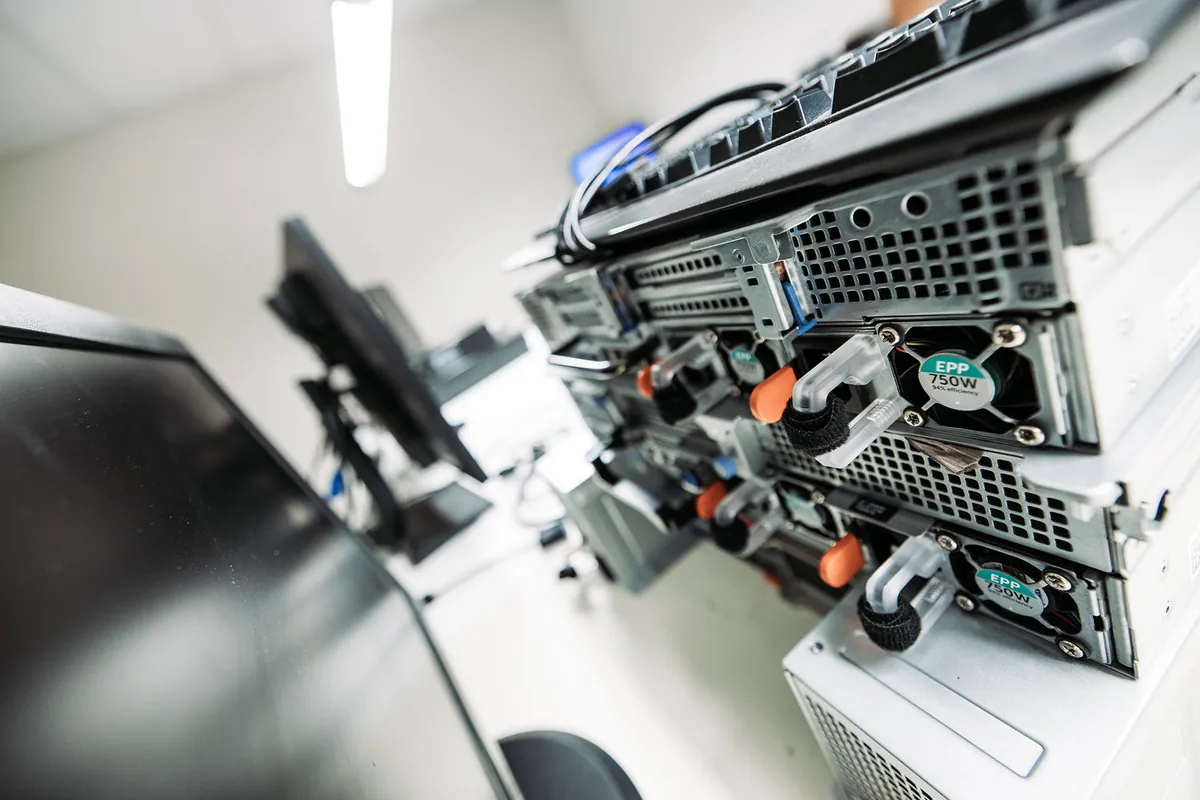
An open server with network cables, photographed up close.

What you get

Our own data centre
Your backups are kept in our own data centre in the European Union, so you always know where your data is and who can reach it.
Rehearsed recovery
We regularly restore something for real and record the outcome, so there is no doubt that recovery works.
One management team
Backup is part of Digital Care and falls under the same monitoring and the same team as the rest of your IT.

What we keep

Which data belongs in your backup?

A good backup starts with a list. Which servers are running, which databases go with them and where do your email and documents live? In a short inventory we put that on paper together. That way you know everything is included, even the one application a colleague set up years ago.

For servers and databases we use the Backup add-on of Digital Care. That can be a Windows or Linux server, or a SQL database behind your ERP or accounting software. For Microsoft 365, backup is already part of the Managed Operations editions from Start, so your email and files are also stored safely outside Microsoft.

  • Servers running your business software and shared folders
  • Databases of your ERP, accounting or industry package
  • Email and files from Microsoft 365
  • An existing backup you want to keep, brought under our management

The rhythm

A backup every night, 30 days back and a year of archive

While your team is asleep, the backup makes a fresh copy. Our engineers check the status of every backup in Digital Care each day. If one needs attention, we pick it up as routine work, without you having to lift a finger.

You can go back 30 days in time. If a file has been overwritten or a database needs to return to an earlier state, you choose the moment when everything was still right, together with us. For anything older, we keep a 12-month archive. Handy when you are looking for something from last quarter or need an old version for your records.

Recovery

We rehearse recovery before you ever need it

A backup that has never been restored is an assumption. So at fixed moments we restore something for real: a single file, a database or a complete server. That tells us how long recovery takes and whether everything comes back complete. We record the outcome, which is good for your own peace of mind and for a client or auditor who asks about it.

For each system we agree what recovery means. For a mailbox, restoring a single folder is enough; for your ERP server, you want to know how quickly it is running again. If your servers run in ANYBASE, our own private cloud, you can add a failover location in Microsoft Azure. For each server we then record how soon it is back and up to which moment the data comes with it.

In ANYBASE

Backup in ANYBASE: several copies in several places

If your servers run in ANYBASE, backup is built into the platform as standard. There we work with the 3-2-1-1-0 rule. In plain terms: three copies, on two types of storage, one of them at another location, one offline and zero errors when restoring.

Every day there is a fresh backup in the data centre itself, for quick recovery. A second copy goes to an independent data centre elsewhere, and the tapes are kept offline, with no connection to the internet. Nobody can alter a backup afterwards, and everything is encrypted with AES-256, both in transit and in storage. The backups stay within the European Union, and we keep the keys in our own hands.

Who it is for

Backup and recovery in different situations

What you want to be able to restore differs from one organisation to the next. A few situations we come across often.

Offices with their own server

Your files and applications live on a server in the office. We back it up every night to our data centre in the European Union, with a copy on tape, and rehearse restoring both single folders and the whole server.

Businesses with an ERP or industry package

Your planning, stock or administration lives in a database. We save it every night and know how to restore it to a specific moment, so your software can carry on with the data from that point in time.

Teams working in Microsoft 365

Your email, OneDrive and team sites are in Microsoft's cloud. In the editions from Start we also keep that data outside Microsoft, so we can restore a mailbox, a folder or an older version of a document for you.

Healthcare and confidential files

If you work with patient data or sensitive files, you want to know where the backup is kept. With us it stays in the European Union, managed by a company certified to ISO 27001 and NEN 7510.

Frequently asked questions

Frequently asked questions about backup and recovery

How often do you make a backup?

With the Backup add-on we back up your servers and databases every night in our own data centre in the European Union. You can go back 30 days in time, and on top of that we keep a 12-month archive. There is also an offline copy on tape. So you can find something from yesterday just as easily as something from months ago.

Microsoft 365 is already in the cloud. Why back it up?

Microsoft makes sure the service is available and offers a recycle bin for retrieving deleted items for a while. A backup of your own gives you more choice: your email and files are also kept outside Microsoft, and you restore a mailbox, a folder or an older version from a moment you choose. In the Managed Operations editions from Start, that backup is included.

We already have a backup. Do we need to switch?

Not at all. Digital Care is modular. If you use a backup solution you are happy with, we bring it into our management, monitoring and reporting. We do check together whether everything important is included and whether restoring works. That way you keep what works and still have one team keeping an eye on it.

How do I know that restoring really works?

Because we rehearse it. At regular intervals we restore a file, a database or a complete server and check that everything is complete. We record the outcome, so you can read back what was tested. That gives you proof in black and white that recovery works, useful for yourself and for clients or an auditor who ask about it.

What is the difference between backup and failover?

With a backup you restore data or a server to an earlier moment. With failover your complete environment starts up somewhere else. For servers in ANYBASE this is possible with Azure Site Recovery to an Azure region within the European Union. For each server we agree how quickly it must be back and up to which moment the data comes along, and a test failover shows that it works.

Wondering what Infodatek can do for you?

A thirty-minute call with one of our specialists. Your environment, your questions. An honest conversation.

An Infodatek Group colleague picking up the handset of a desk phone.