Blog
Sometimes your weakest link isn’t behind a computer…
By Rudy Koens
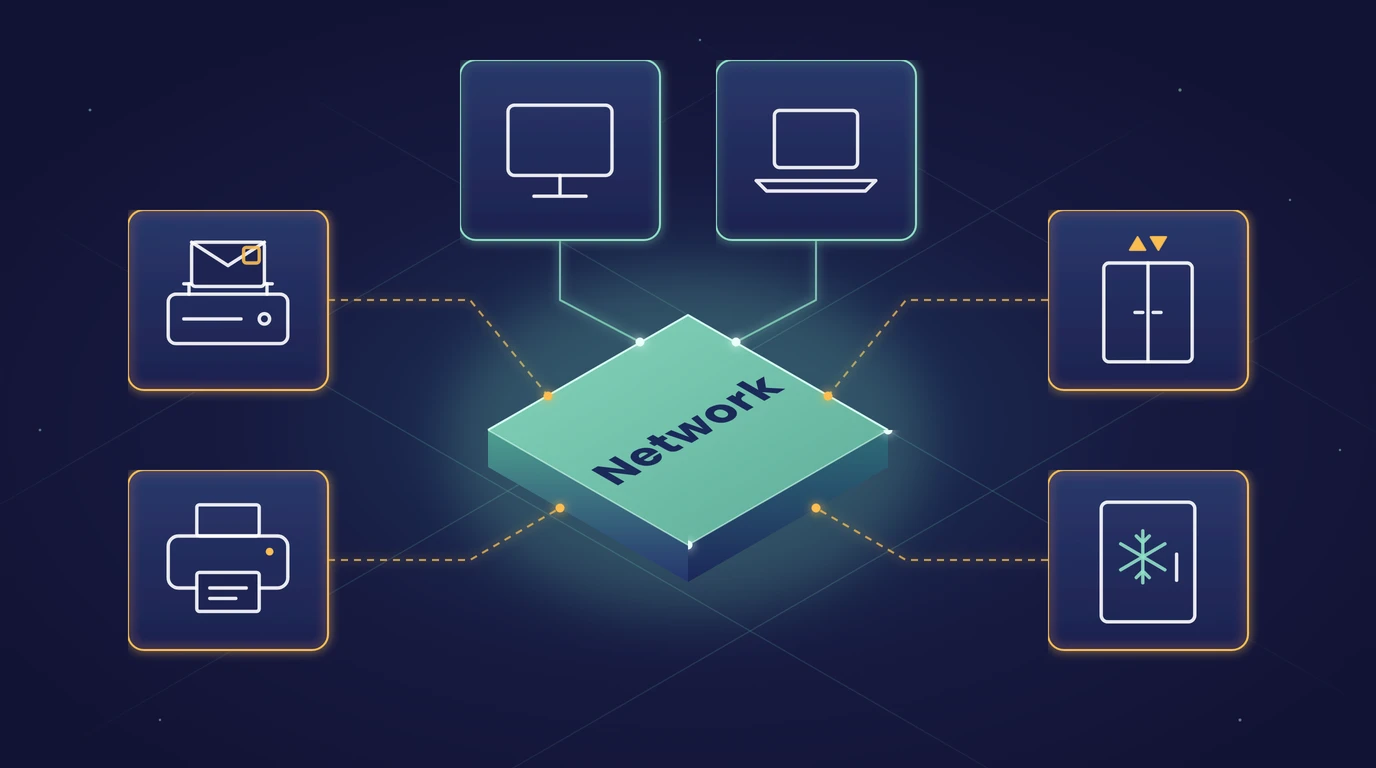
Knowing what is connected to your network gives you peace of mind. Even when the device in question looks nothing like a computer.
What the recent news means for your network
In mid-October, cooling systems at supermarkets in France were attacked. In early November a new wave followed, hitting shops and blood banks across Europe. In the Netherlands too, at least seventeen businesses were affected, mostly butchers and small neighbourhood shops. According to the reports, the systems were not shielded and still used the default password. Twice in a short space of time is a good moment to look at all the devices nobody thinks of as IT, from cooling systems to an old franking machine.
IoT and OT: devices nobody sees as IT
IoT stands for the Internet of Things: smart devices connected to the network, such as cameras, printers and sensors. OT is operational technology: systems that control something physical, such as cooling, climate control, lifts, access gates and machines.
Situations you may well come across:
- The old franking machine in the post room, connected years ago and never looked at since.
- The printer in the warehouse that has been running for years without an update.
- The control system of a production line that the supplier can log in to remotely.
- The climate system in a greenhouse or the cold room your stock depends on.
Why they are so often forgotten
Nobody feels like the owner. It belongs to facilities, to the supplier, or it has simply always been there. As a result, these devices rarely feature in your security policy, your patch cycle or your overview of systems. And when such a device fails, you notice straight away in your operations.
Three questions you can ask today
- Do you know what is connected to your network? You can only protect what you know about.
- Is anything directly connected to the internet, and are you sure? Systems that can be reached from the internet are first in line as soon as a vulnerability becomes public.
- Who has access, and who manages the device? Know who can reach what, and who you call when the supplier needs to help.
What you can do about it: overview first, then protection
- Take stock. Map out which systems there are, which connections they have and which suppliers are involved.
- Separate. Put the office and production on their own networks (segmentation). A fault or infection in the office is then much less likely to spread to the shop floor.
- Give suppliers their own access. Shielded and by appointment. That way it is always clear who can reach what.
- Monitor. Keep an eye on the production network too, so deviations are spotted in time.
Who manages what? Managing the devices themselves, such as crop computers, climate systems, PLCs (the control computers of machines) and machine controls, stays with the supplier. Infodatek Group manages and monitors the network around them and works together with those suppliers. That way everyone keeps their own part in order.
We have already written about keeping an overview and about patching in Patching fast: why every day counts now AI is in the picture. How to separate networks and gain insight into what is happening is covered in Stopping threats at the front door.
NIS2 and ISO: this is part of it too
Since 15 August 2026, NIS2 has applied in the Netherlands as the Cyberbeveiligingswet (the Dutch Cybersecurity Act). If your organisation falls under it, the law requires risk management, handling of incidents, continuity and attention to your suppliers. Equipment in your building and in your production is part of that too. ISO 27001 asks for something similar: knowing what you have, managing risks and making agreements with suppliers. If you have this in order, you can also show it to customers who ask. See Smart Compliance for help with NIS2 and ISO.
And if it still goes wrong?
A good continuity plan answers a few questions in advance. How long can you do without this system? What can you temporarily do by hand? Who contacts the supplier, and who informs your customers? For a production line this is very practical: what stands still if the control system fails, and how long can you keep that up? We work with customers on continuity plans like these, so you know what to do before you need to.
Do you know what is connected to your network?
Book a conversation with us. Together we look at which devices there are, what can be reached from the internet and where to focus first. Read more about our Cybersecurity.
Want to talk this through?
Half an hour with one of our specialists about what this means for your organisation. Your environment, your questions.